
Need some Download Tips
to get programs and eActivities from this site into your ClassPad?
Want help to update your ClassPad OS?
Methods & Spec students - beware of bugs.
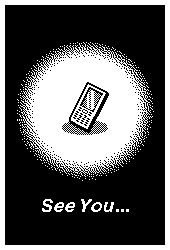
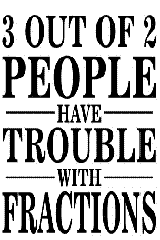
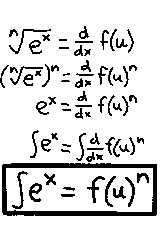
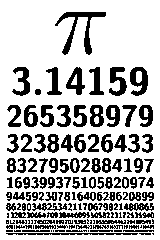
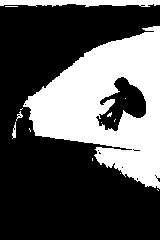
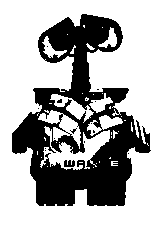
Ending Screens - the picture that briefly flashes onto the screen when you turn your hand held ClassPad off. The image at right is the default ending screen for the old 330 model.
To make your own ending screens, you'll need a PC and a copy of the Casio Picture Conversion Engine software to convert your own image in either .bmp, .gif, .jpg or .png formats to ClassPad .c2p format. For some reason, Casio have not yet released this Windows software into the public domain, so to get a copy please contact Casio Ed in Sydney. The software also requires that you have QuickTime installed on your computer. No news on when a Mac version will be available.
Take a look at Setting up Ending Screens or Using the Conversion software on the ClassPad Help Series for the new ClassPad II.
Click on an ending screen and save the *.c2p file on your computer.
Then transfer files to the usb storage area of your handheld, open the system app and set as your ending screen.


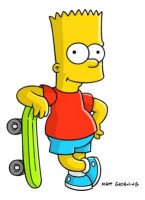
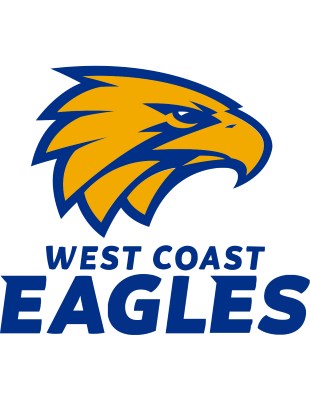
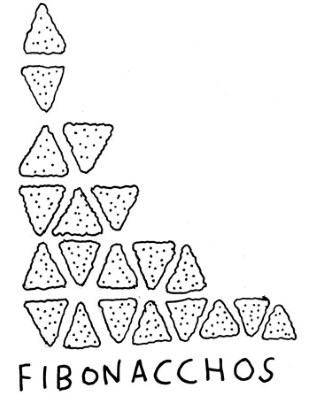

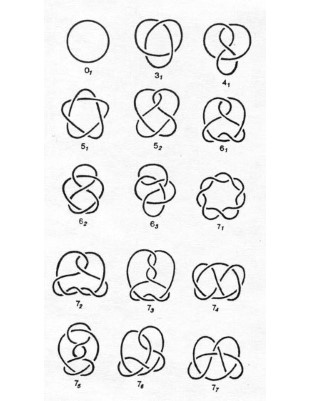

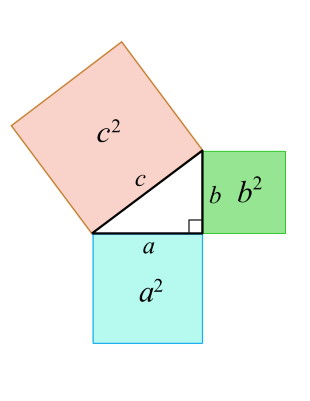
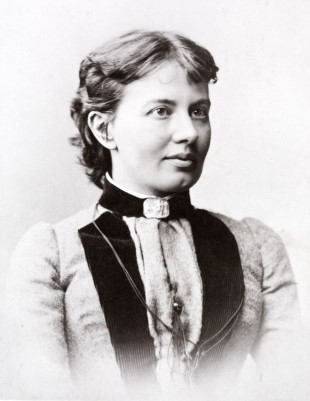
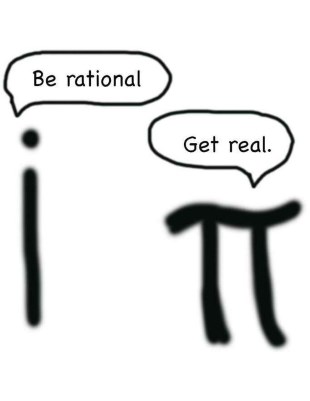

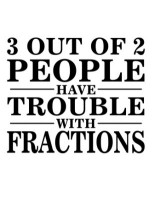

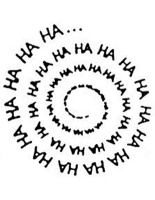




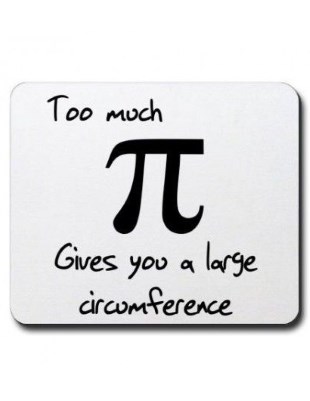







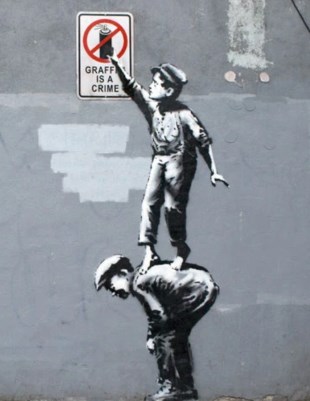


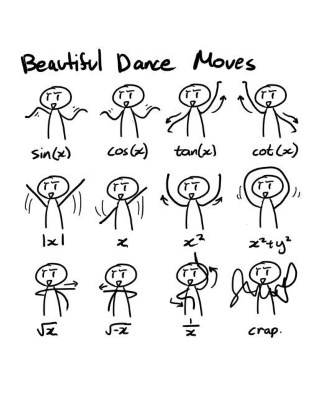

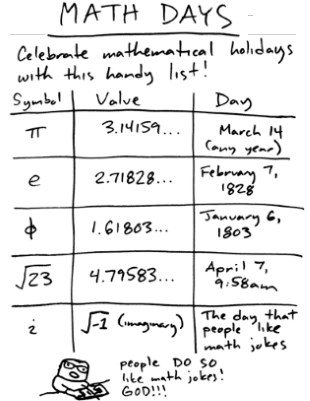

ClassPad (old, silver body) If you create a 2-colour (ie black and white) image of width 160 and height 240 pixels, then this image can be set as your personalised Ending Screen. For help on this visit the Advanced section of the Classpad Help Series and checkout topics 981 and 982.
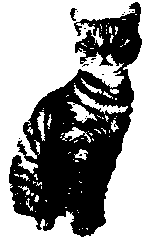
Below are a selection of ending screens saved in old Classpad picture format that can be downloaded
and installed into your hand held. If you have Classpad Manager installed on your computer,
simply double-click the picture and choose Open to save the picture into your Manager.
Otherwise, choose the Save option and install into your handheld as you would any other file.












Free and paid tutorials at ClassPad Help and the Tuition Centre sites.
Enrol in an online course with Charlie at The Tuition Centre
Buy practice ATAR exams from WA Exam Papers
Check out how schools stood in the SCSA rankings up to 2021
© 2026 Charlie Watson. PO Box 366, SUBIACO, WA 6904.